Frequently Asked Questions
Common questions about the Apigee X Management API Tool
Why does a UI for Apigee X Management APIs matter?
Apigee X management APIs are powerful and comprehensive but typically require manual REST calls via CLI or API tools. This UI delivers visual insight into API resources, reduces error rates, and standardizes common administrative workflows for platform teams and developers alike.
Who should use this tool?
This tool is built for:
- API platform teams managing Apigee X at scale with multiple environments, proxies, and configurations.
- Cloud engineers responsible for Apigee X environments and infrastructure on Google Cloud.
- Migration teams moving from Apigee Edge to Apigee X who need streamlined management.
- API operations / administrators managing day-to-day Apigee X configuration, governance, and administrative workflows.
- Development teams who frequently update KVMs, configurations, and API proxy settings in Apigee X environments.
Where do Apigee X Management APIs provide capabilities beyond the native console UI?
Key Value Map (KVM) entry visibility
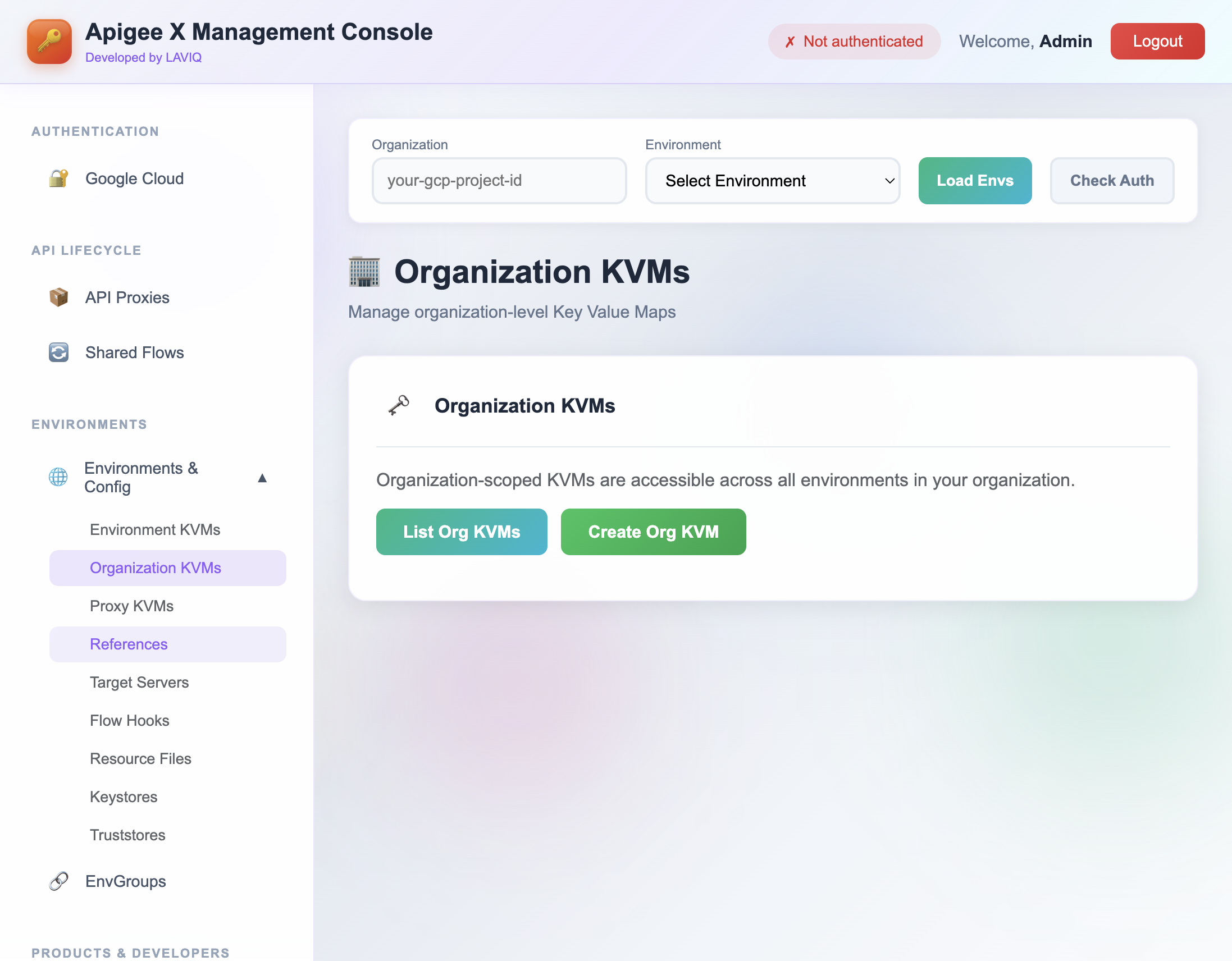
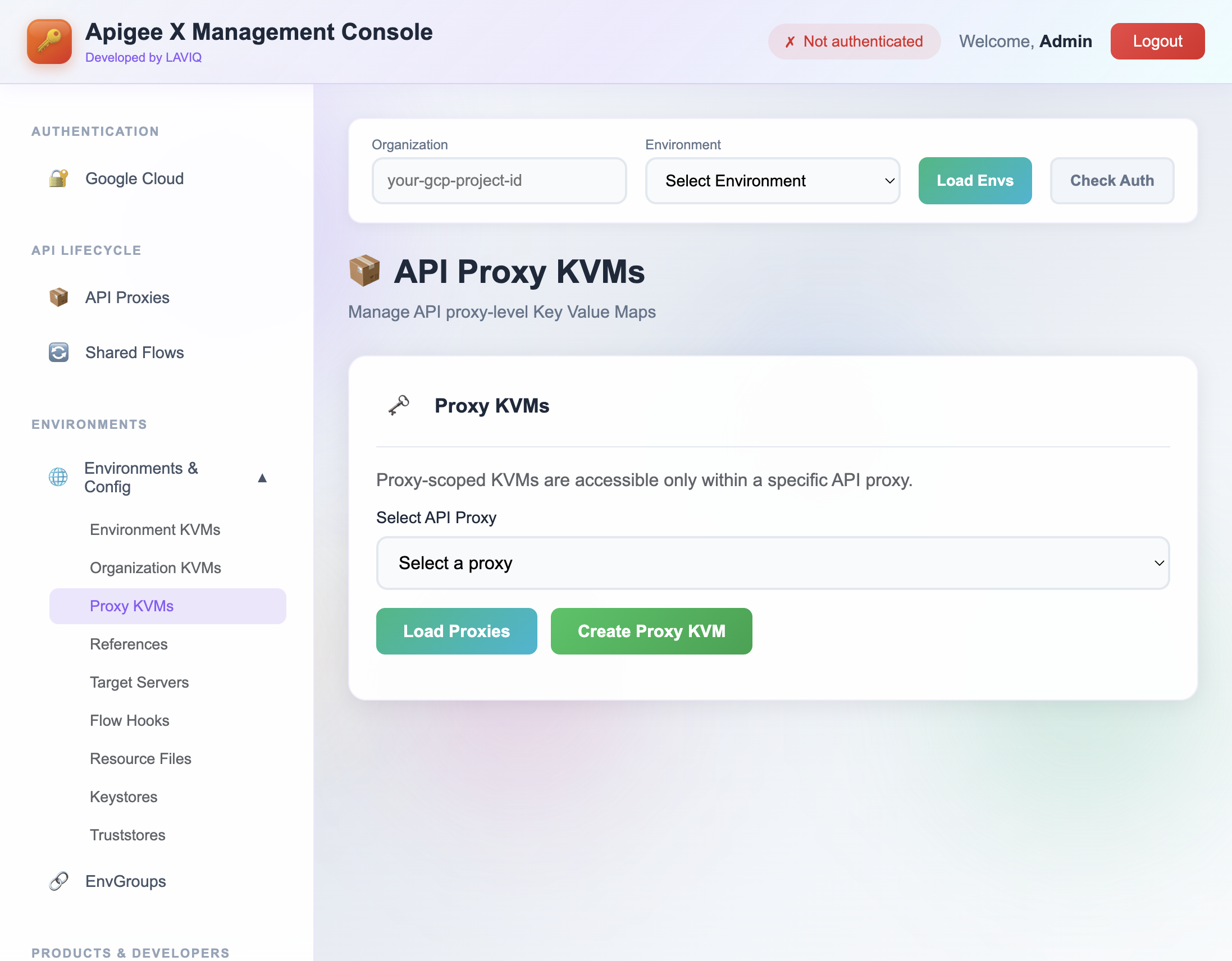
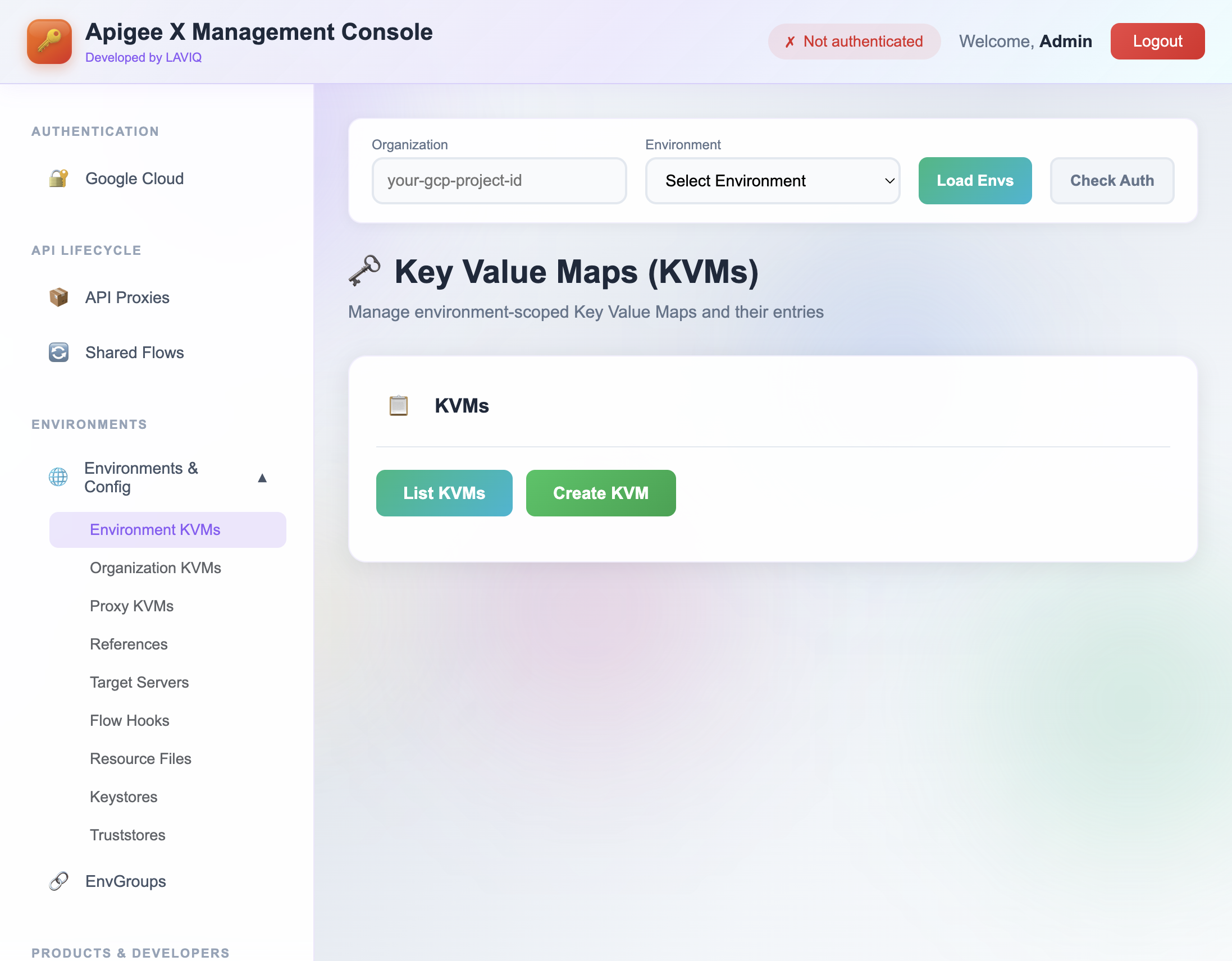
Apigee X supports KVM creation via the console UI, but individual KVM entry values are not shown there. Entry operations are supported by the management APIs. This tool provides a UI with direct visibility into KVM entries at organization and environment scope.
Target server naming constraints
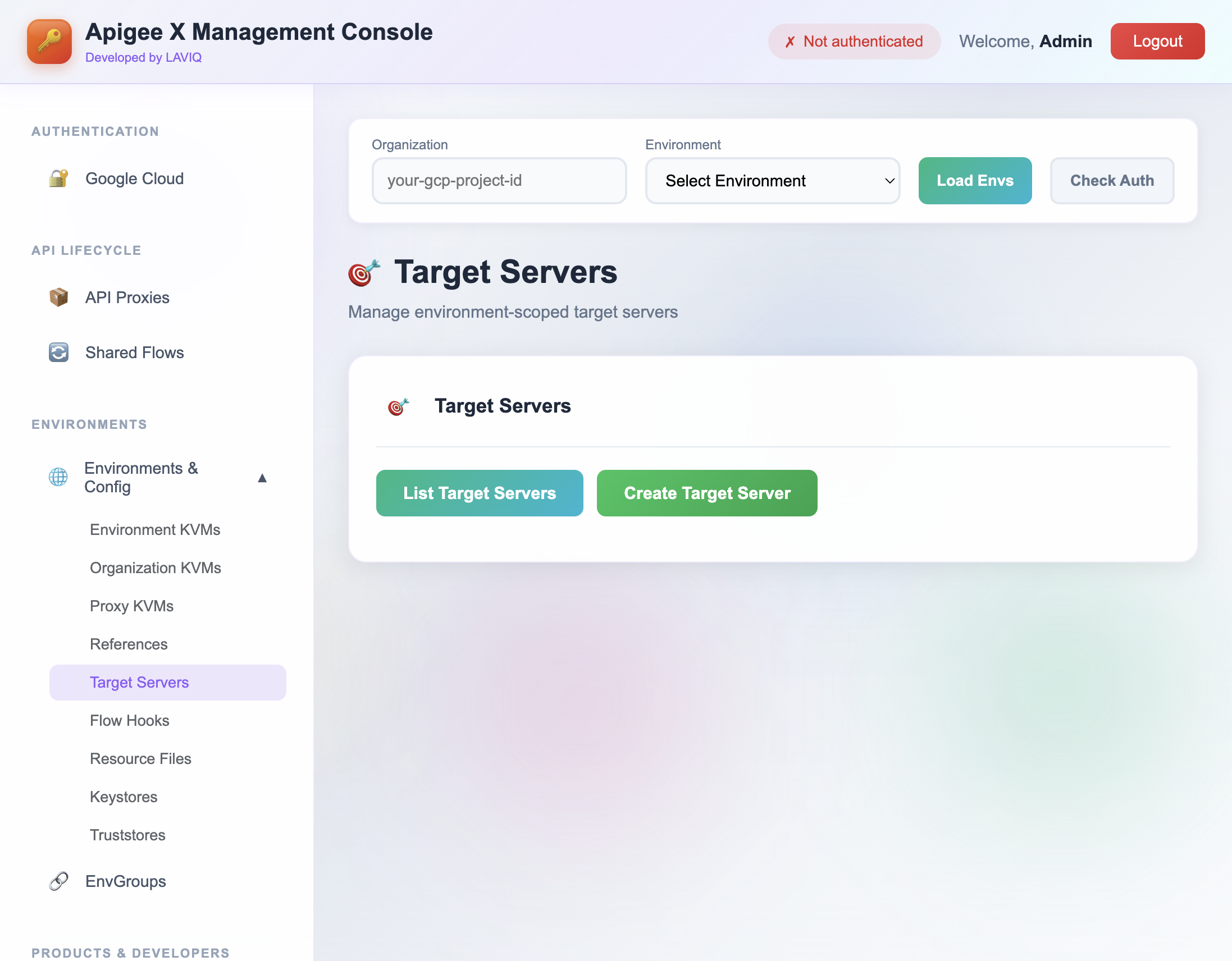
The Apigee X console UI limits target server names to letters, digits, and hyphens. The management APIs accept additional valid naming patterns. This tool uses the same APIs, so you can configure valid target server names without being limited by the console validation rules.
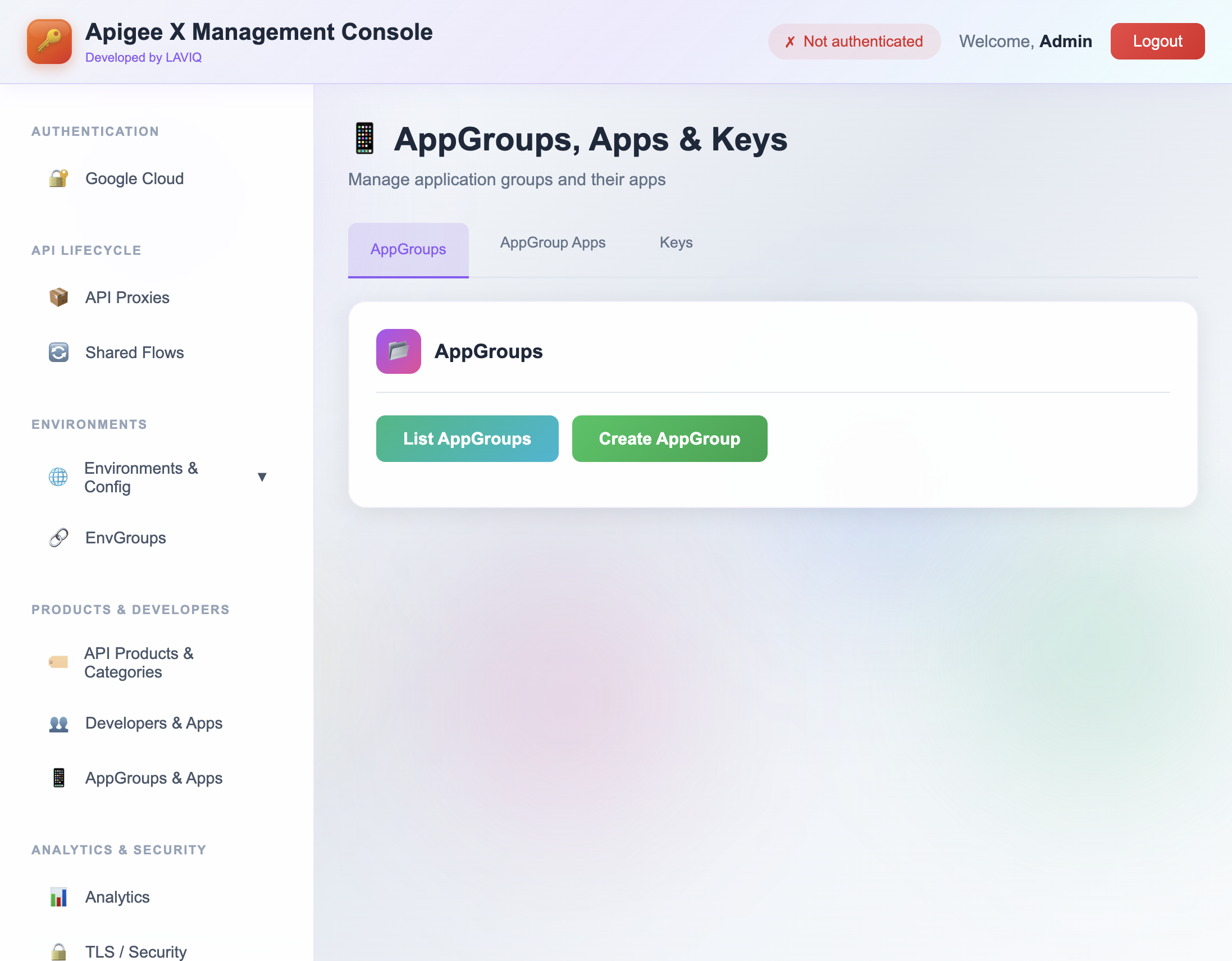
AppGroup apps edit support
Editing AppGroup apps is not available in the native Apigee X console UI. The Apigee X management APIs do support this. This tool provides a UI to edit AppGroup app resources using those APIs.
What is the Apigee X Management API Tool?
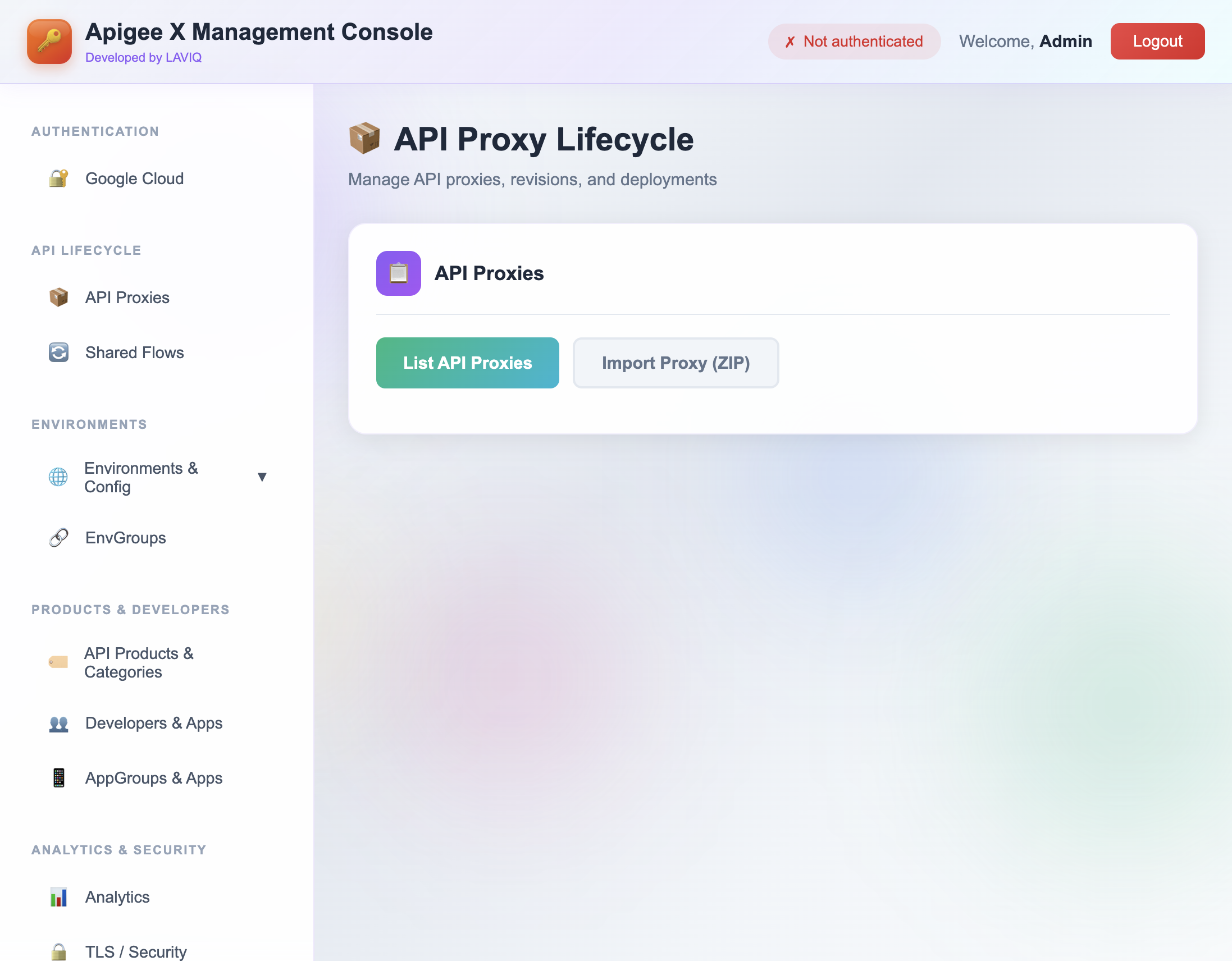
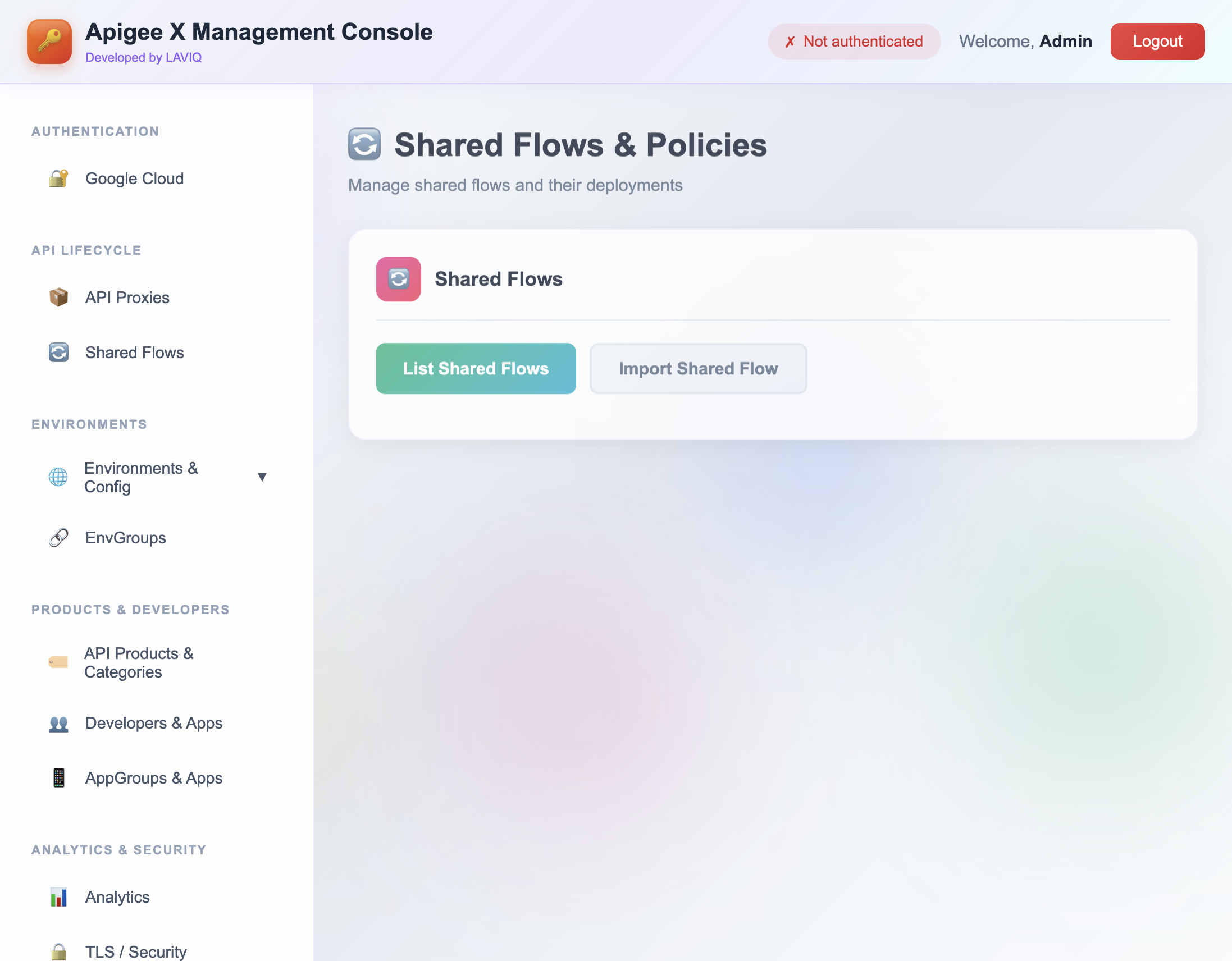
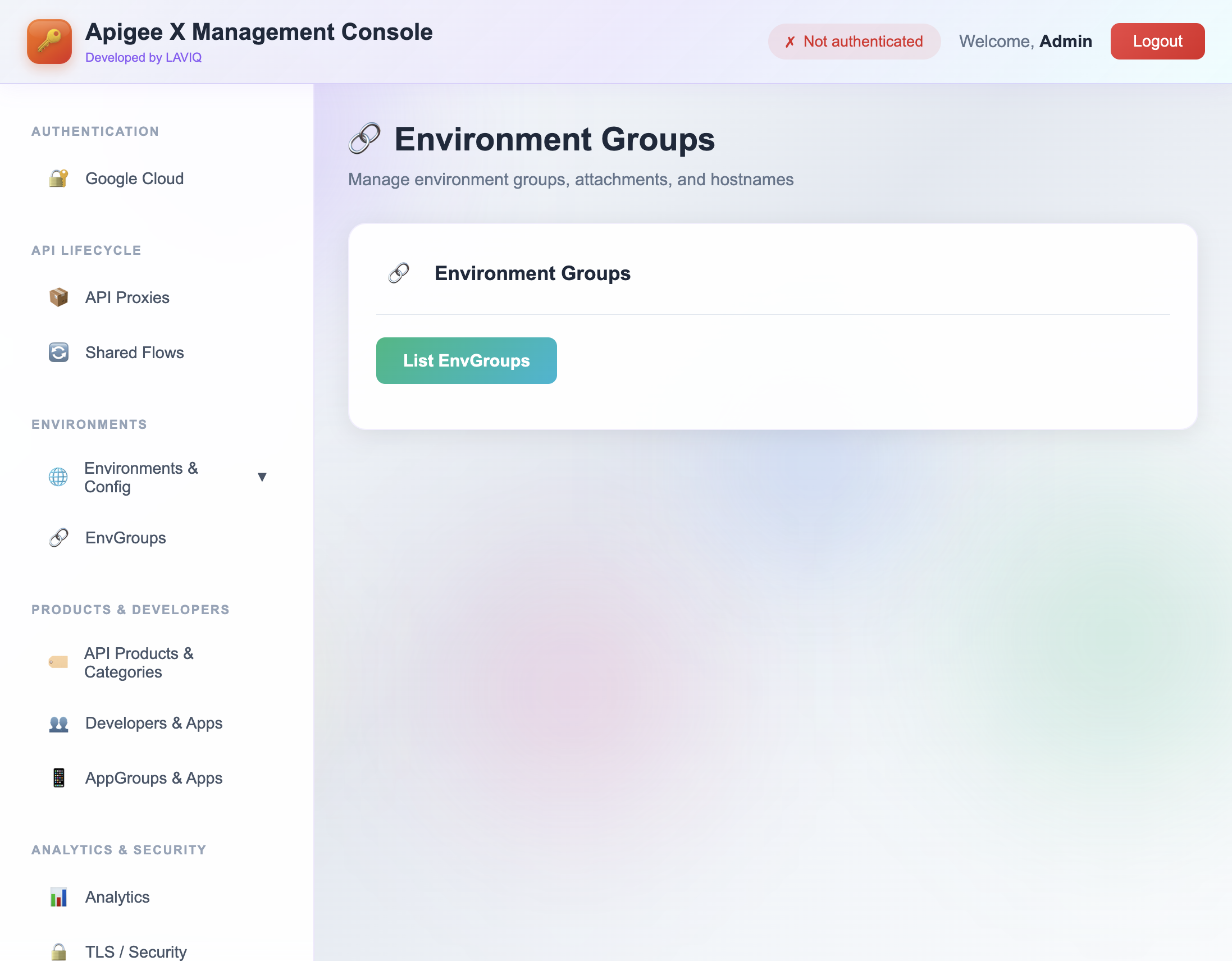
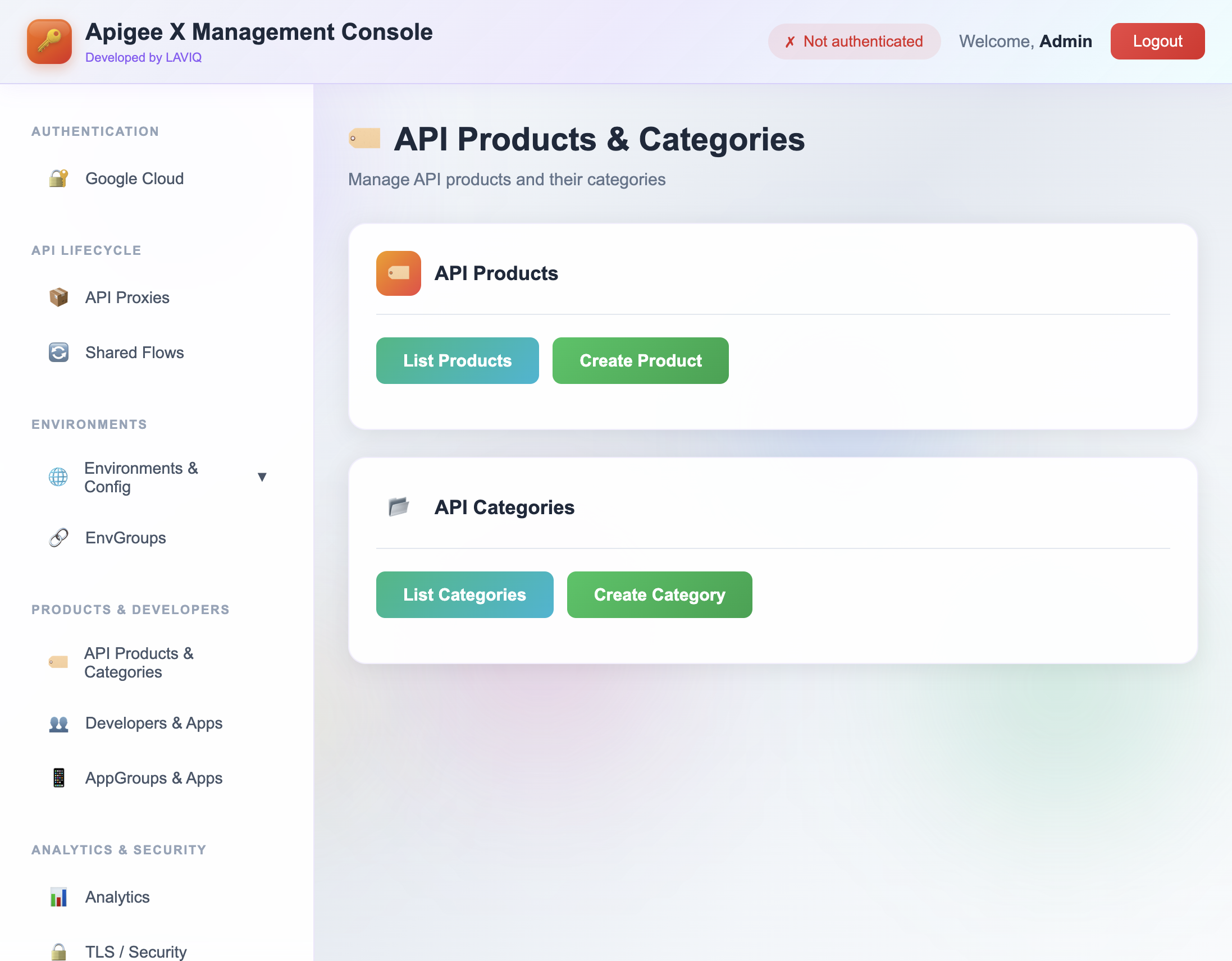
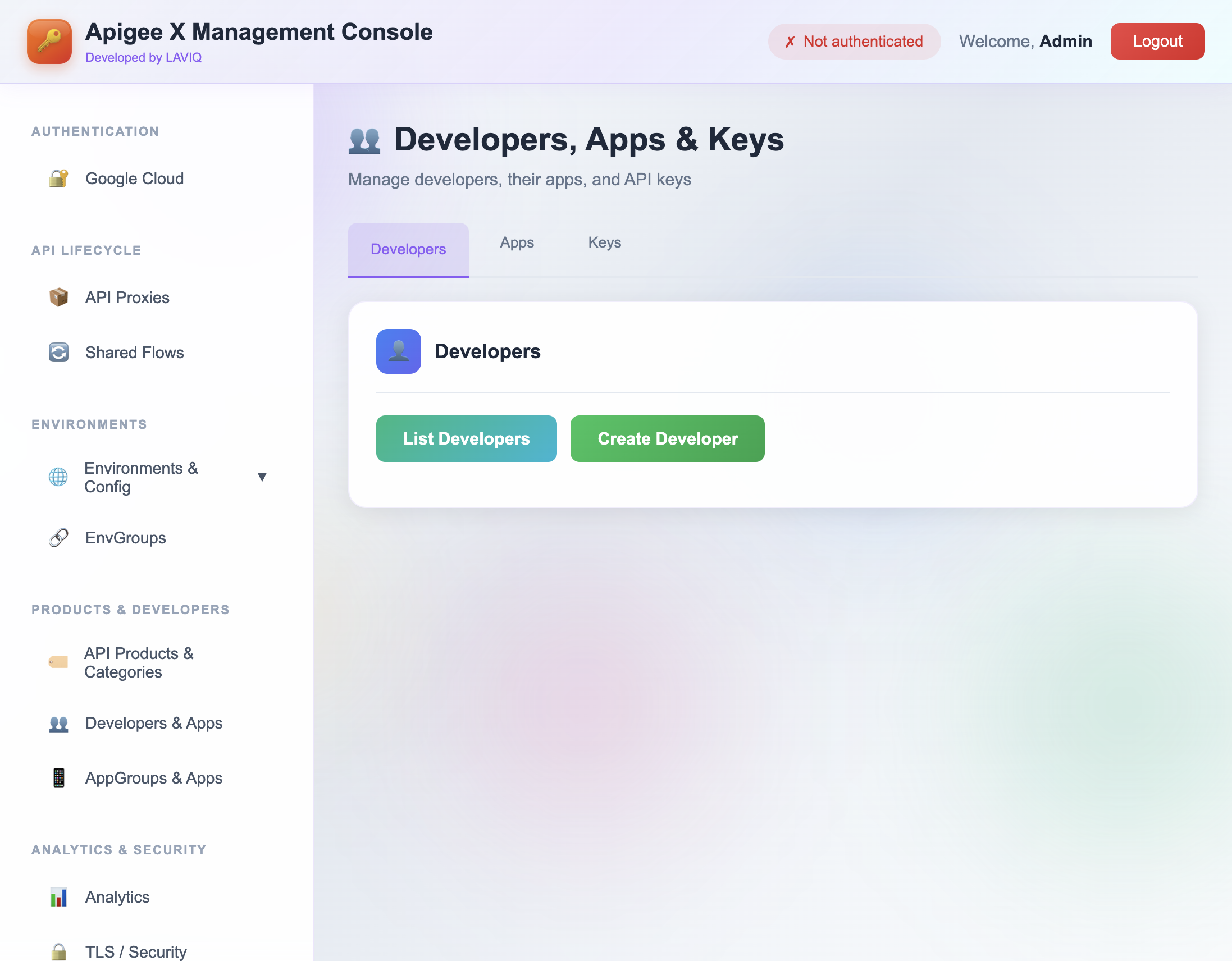
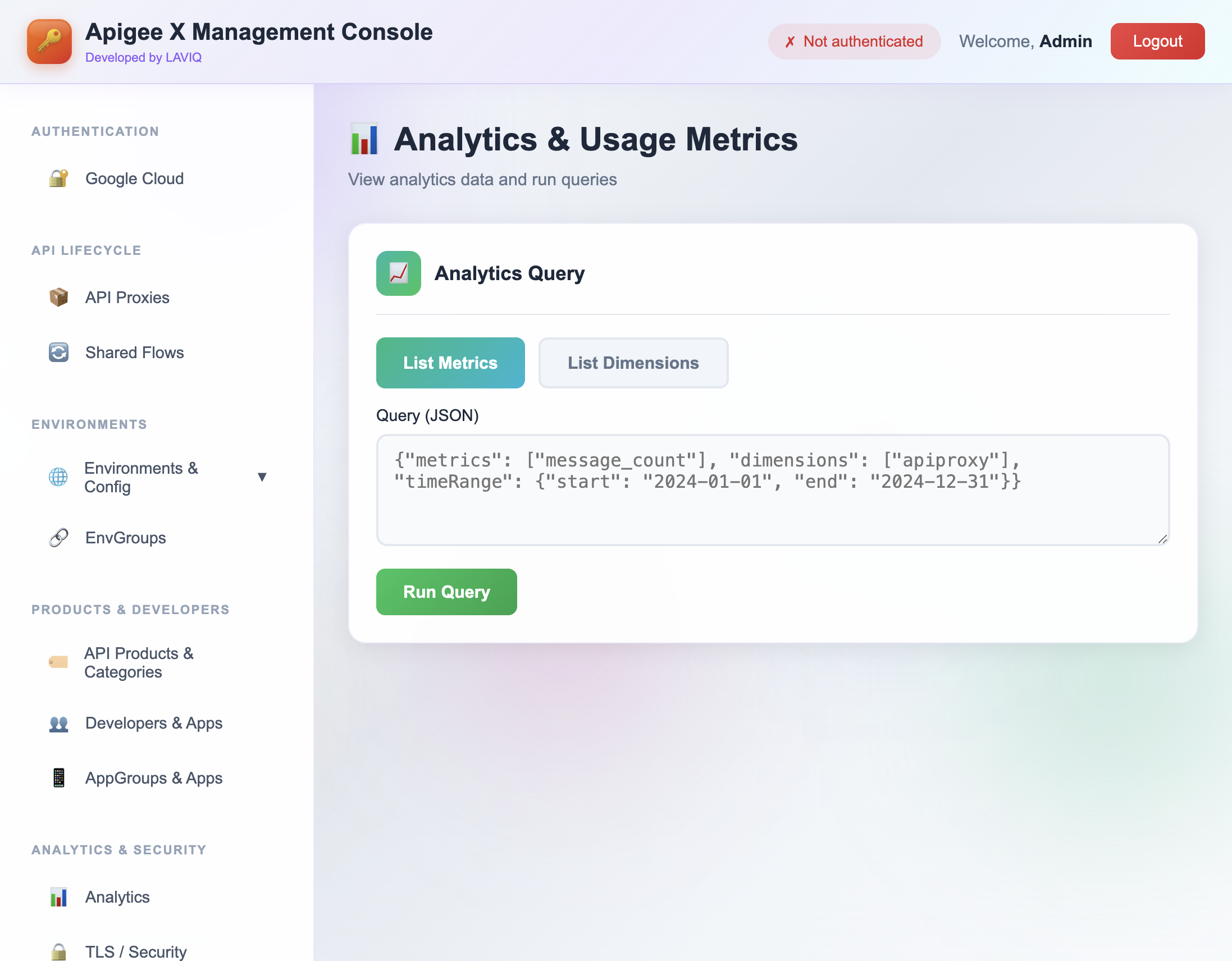
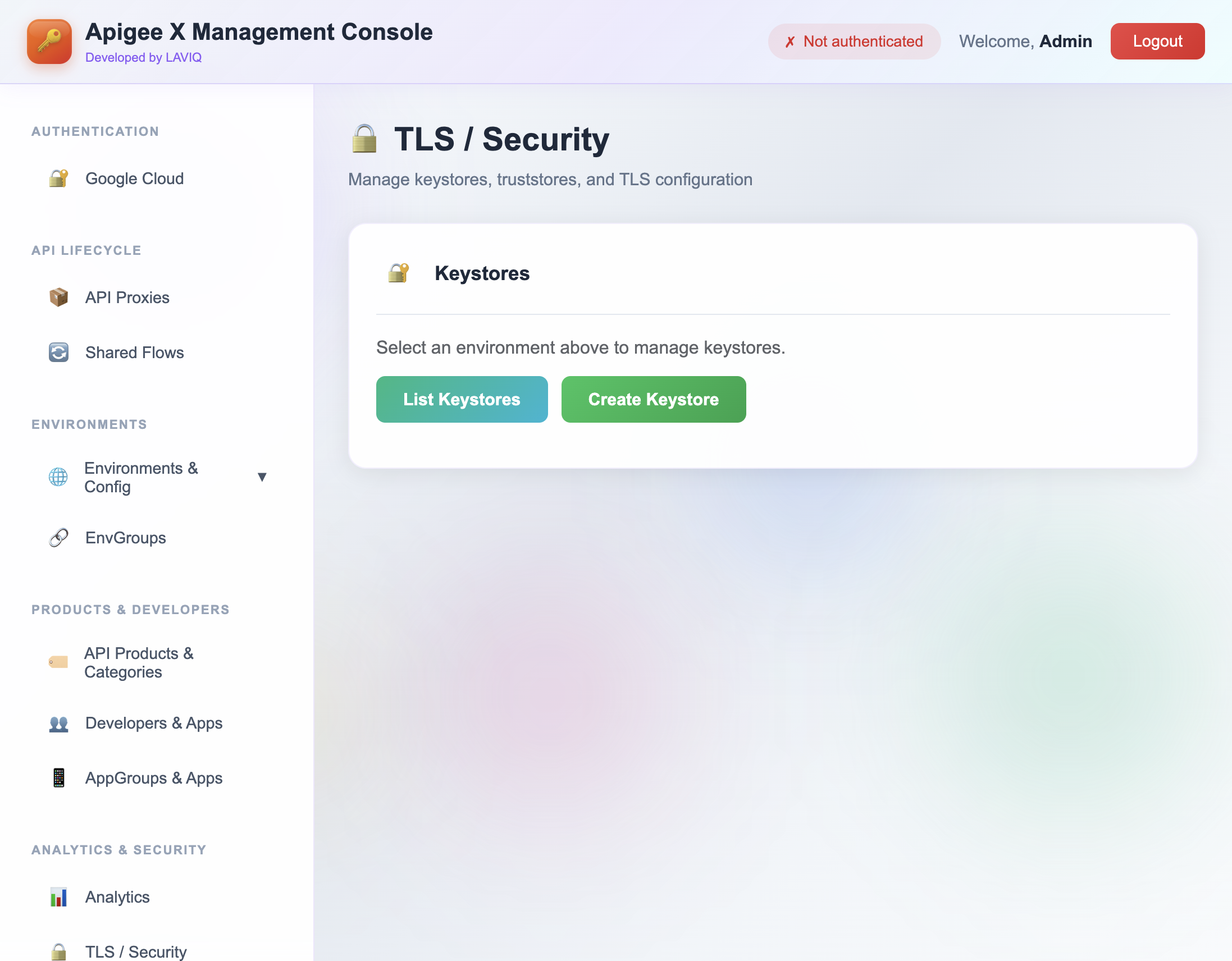
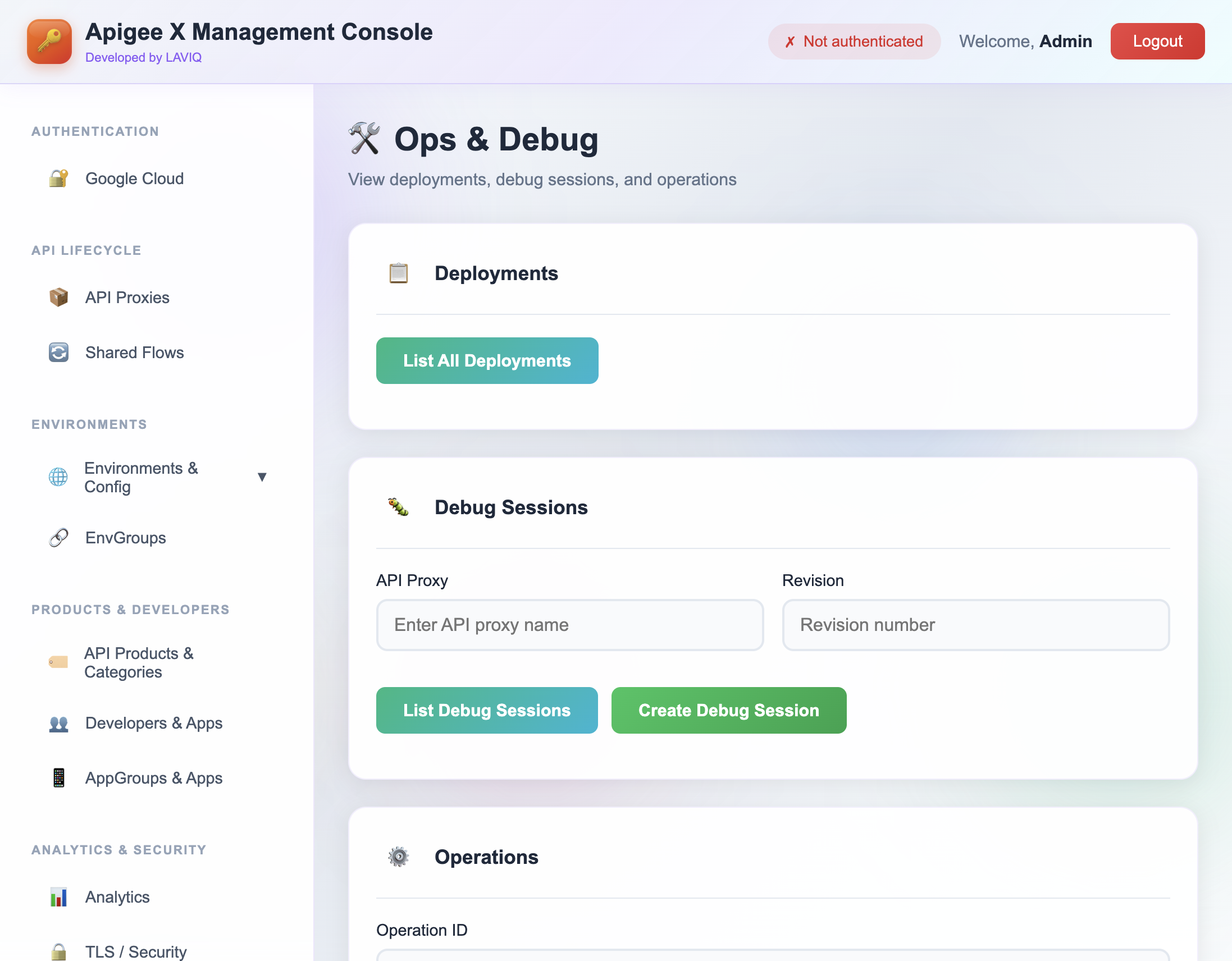
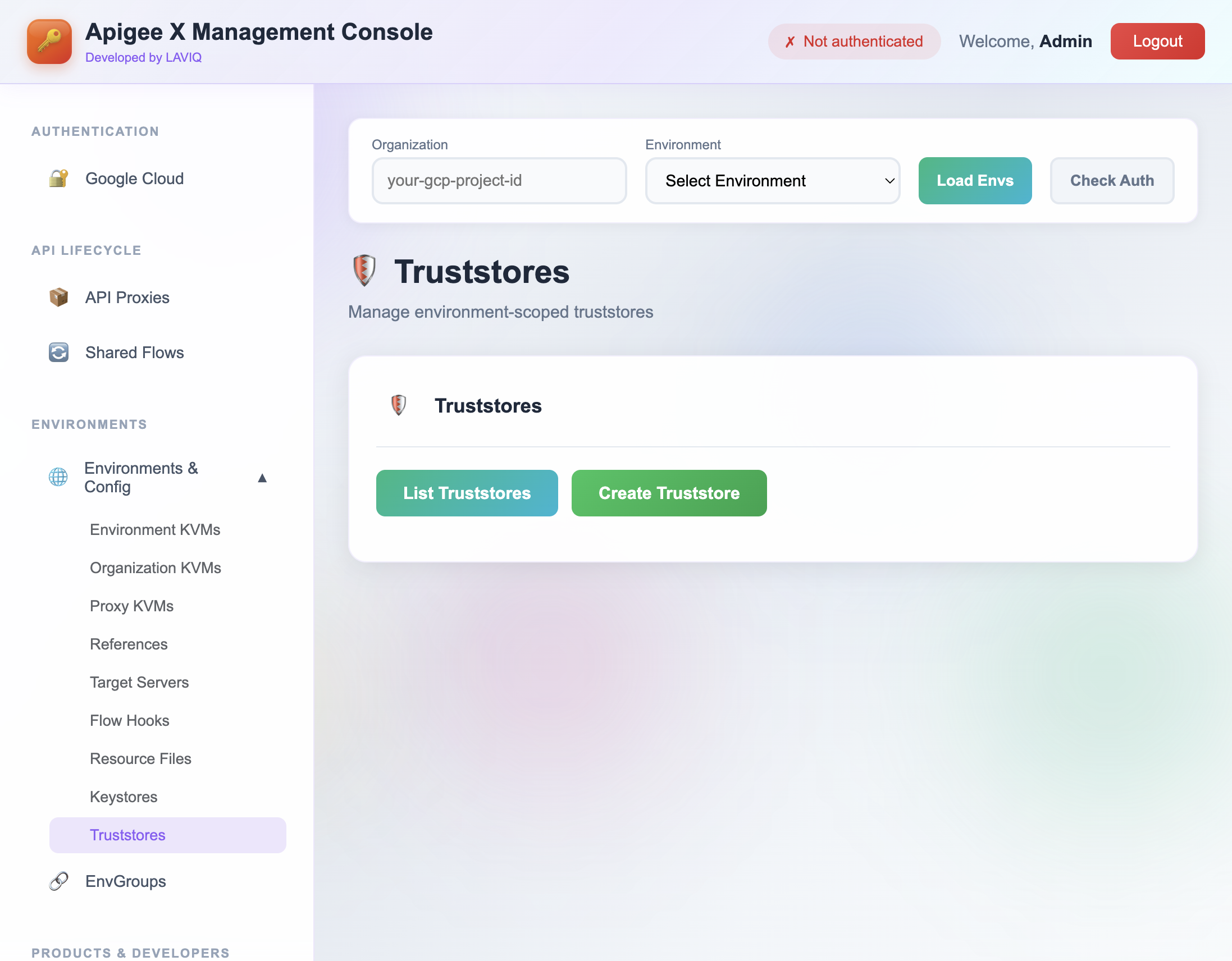
It is a web-based UI by LAVIQ™ that lets you manage Apigee X resources (API proxies, shared flows, environments, KVMs, API products, developers, AppGroups, certificates, and more) through the official Apigee X Management APIs—without writing REST calls or using the CLI. It is the one-stop solution for all Apigee X management API operations.
How do I sign in and connect to Apigee X?
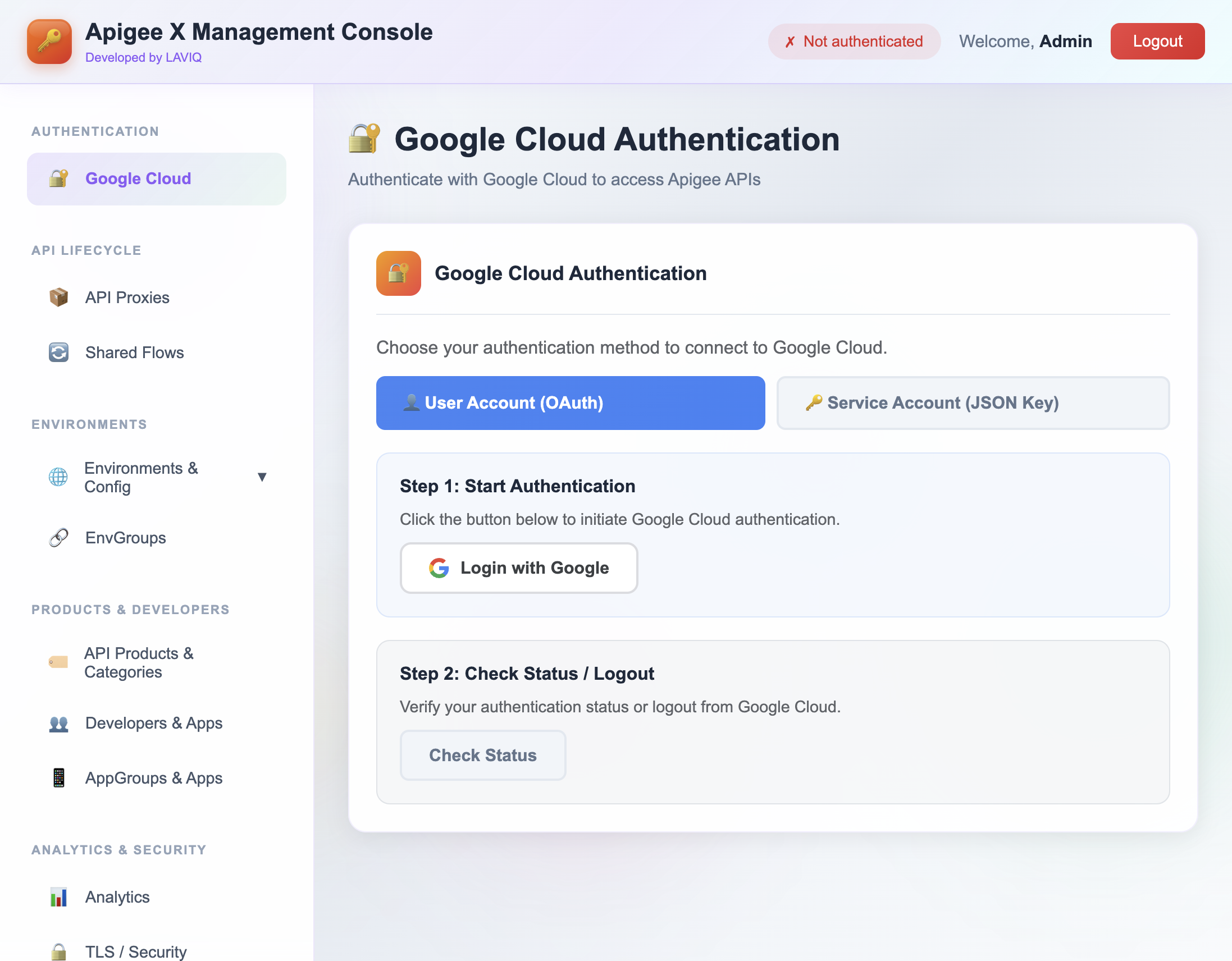
Create an account with your email and password (tool login). After signing in, you connect to Apigee X in one of two ways: Login with Google (uses your gcloud/OAuth credentials) or upload a Google Cloud Service Account key (JSON). Your Apigee credentials are used only in your session and are not stored on our servers.
Is my Google Cloud or Apigee data stored on your servers?
No. Your Google Cloud Service Account key and OAuth tokens are kept only in your browser session. All API calls to Apigee X are made from our server using your session credentials; we do not persist your keys or token values. Each user's data is isolated per session.
What browsers are supported?
We recommend using a modern, up-to-date browser such as Chrome, Firefox, Safari, or Edge. JavaScript must be enabled. For the best experience, use the latest version of your browser.
Is there a free trial?
Yes. You can register and start a free trial to explore the tool. See the Pricing section for plan details and trial duration.
Can I manage multiple organizations or environments?
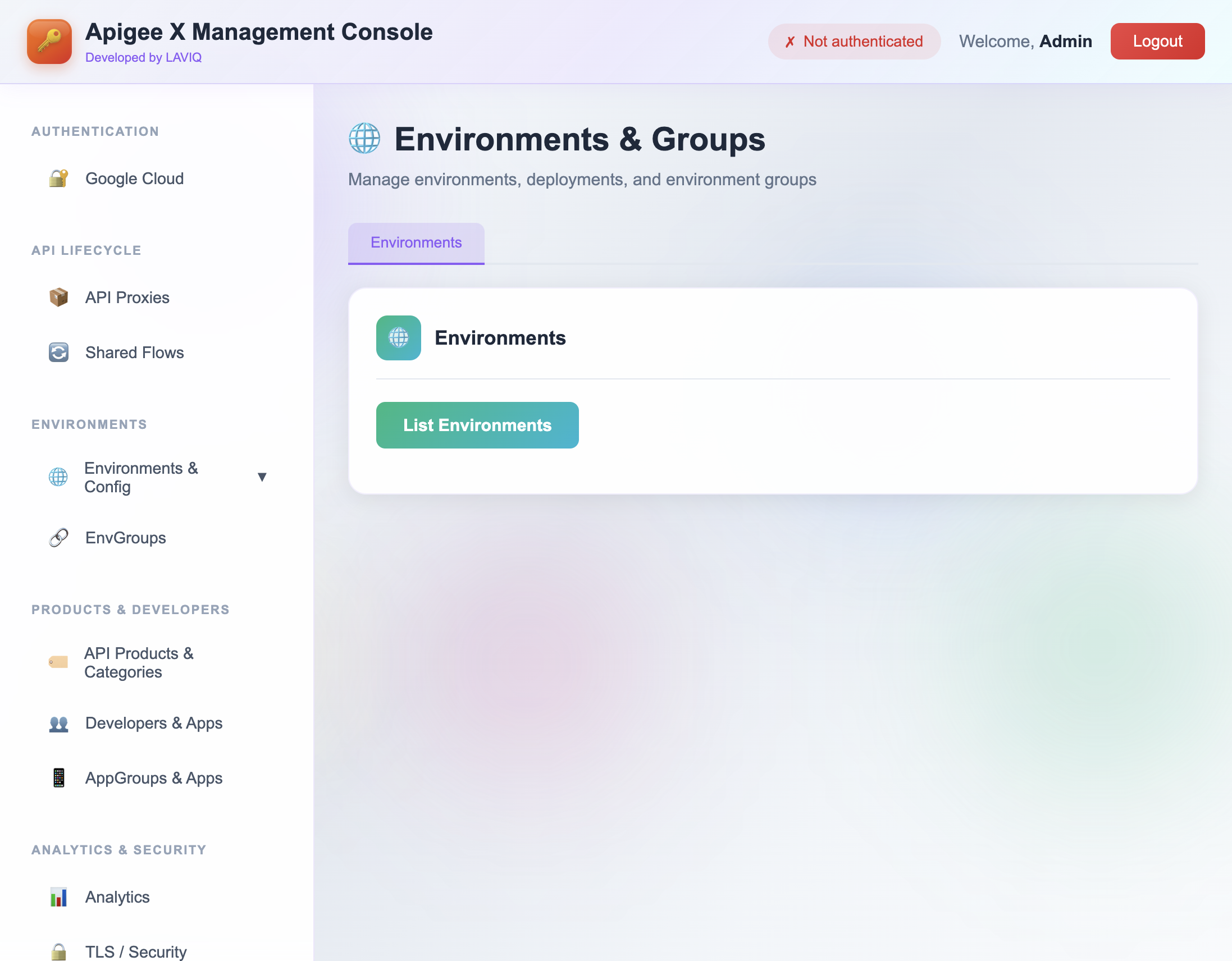
Yes. After you authenticate, you choose which Apigee organization and environment to work with. You can switch organizations and environments within the dashboard as needed; the tool supports multiple orgs and environments per account.
Does this tool support Apigee hybrid or only Apigee X?
This tool is built for Apigee X (Google Cloud-hosted). It uses the Apigee X Management APIs. Apigee hybrid or legacy Apigee Edge have different APIs and are not supported by this UI.